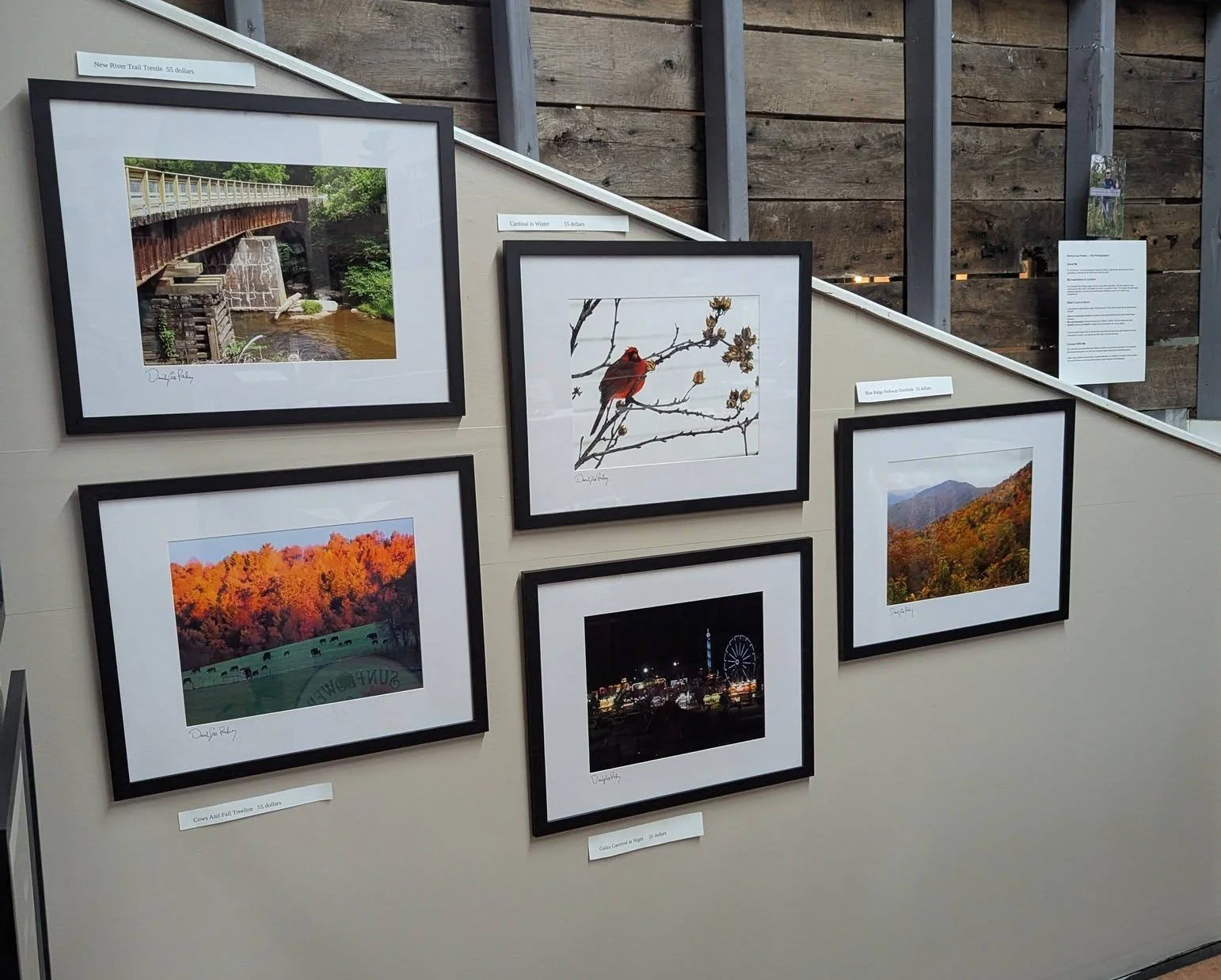
So maybe you are one of the few who read all my photography lessons. I know it is a lot of words and takes a lot of time to do that, but it's worth it I think. You now have a pretty good idea of how to use your camera. You have a small but good selection of lenses to take those pictures with, and you have a decent management program on your PC or Mac. So what do you do now with all those great pictures? Posting them on the web is one thing, but how about seeing them on your wall or walls of your home or office, or in a shop somewhere? I post hundreds of them online, which includes my two Facebook sites and this website. I also print and frame them for gifts and for sale in two galleries in town. That is what this short post is about: turning your images into artwork.
What do you need to do that?
You should have a good editing program. I covered a number of those in my last lesson, so let’s assume you have an understanding of that requirement.
Now for the good part. You need a printer. Most All-In-One printers can produce a good 8.5x11 print on any kind of photo paper. I have one of those myself. It is a Canon MG3620, and it makes very good-looking prints which I can put into an 8x10 mat inside an 11x14 frame. I have many hanging on my office wall and around our house. I wanted to go bigger. I like 11x14 prints, 11x17 prints, or 13x19 prints, or all three, actually. What printer is best for those sizes? I asked myself and the web that question. I received several, not many, printer choices from various review sites, you know the kind, “Best Of” websites, many paid ones, as it turns out. I watched a few YouTube reviews, some of which were helpful. I also read reviews of printers on Amazon, the place where I purchased both of my Canon printers.
One of my printers is the Canon MG3620. It is an all-in-one printer and scanner. It will scan photos, not negatives or slides. It will print up to 8x10 borderless photos. It is a good printer. The ink cartridges, two of them, have the print head built in, which makes them a bit more expensive than other brand ink cartridges. The color cartridge contains all three colors: yellow, magenta, and cyan. If one runs out, a new cartridge is required.
The other Canon printer I own is the IP8720. It is a wide-format printer, which means it can print up to 13x19 prints. I have not printed that size image as of yet, but I have printed 11x17 inches, a close-to-full-frame image. It uses mini tank cartridges, six of them, composed of pigment black, dye black, cyan, magenta, yellow, and gray. It prints beautifully, and the final print matches my monitors. That is a very good thing.
Once I have an image that I like or want to sell, I need to frame it. I prefer a black wood frame with a mat and tempered glass. They are not hard to find on Amazon for a very good price when bought in packages of three or more. I prefer frames made by VCK.
That is about it for this post. I thought it would make a good final lesson.
Canon IP8720 is a very good wide-body, large-format printer. Genuine Canon Ink for it is expensive, but it is archival ink, meaning your photograph will not fade over time.